A Virgin Media hub goes wherever the coax enters the house, which is almost never where the home office, the loft bedroom or the games console ended up. Powerline adapters promise to bridge that gap using the mains wiring already sitting in the walls, with no floorboards lifted and no cable clipped along the skirting. They genuinely work well in the right house and disappoint in the wrong one, so this guide is honest about both before naming the two kits worth buying.
The best powerline adapter for Virgin Media is a gigabit passthrough kit such as the TP-Link TL-PA7017P, plugged straight into wall sockets on the same circuit at both ends. It turns a distant room into a wired one without running cable. Expect a useful fraction of the AV1000 headline figure rather than the number on the box, because the house wiring, not the adapter, sets the real ceiling.
Key Takeaways
- Powerline carries your network over the mains wiring, giving a far room a wired-quality link with no new cable to run.
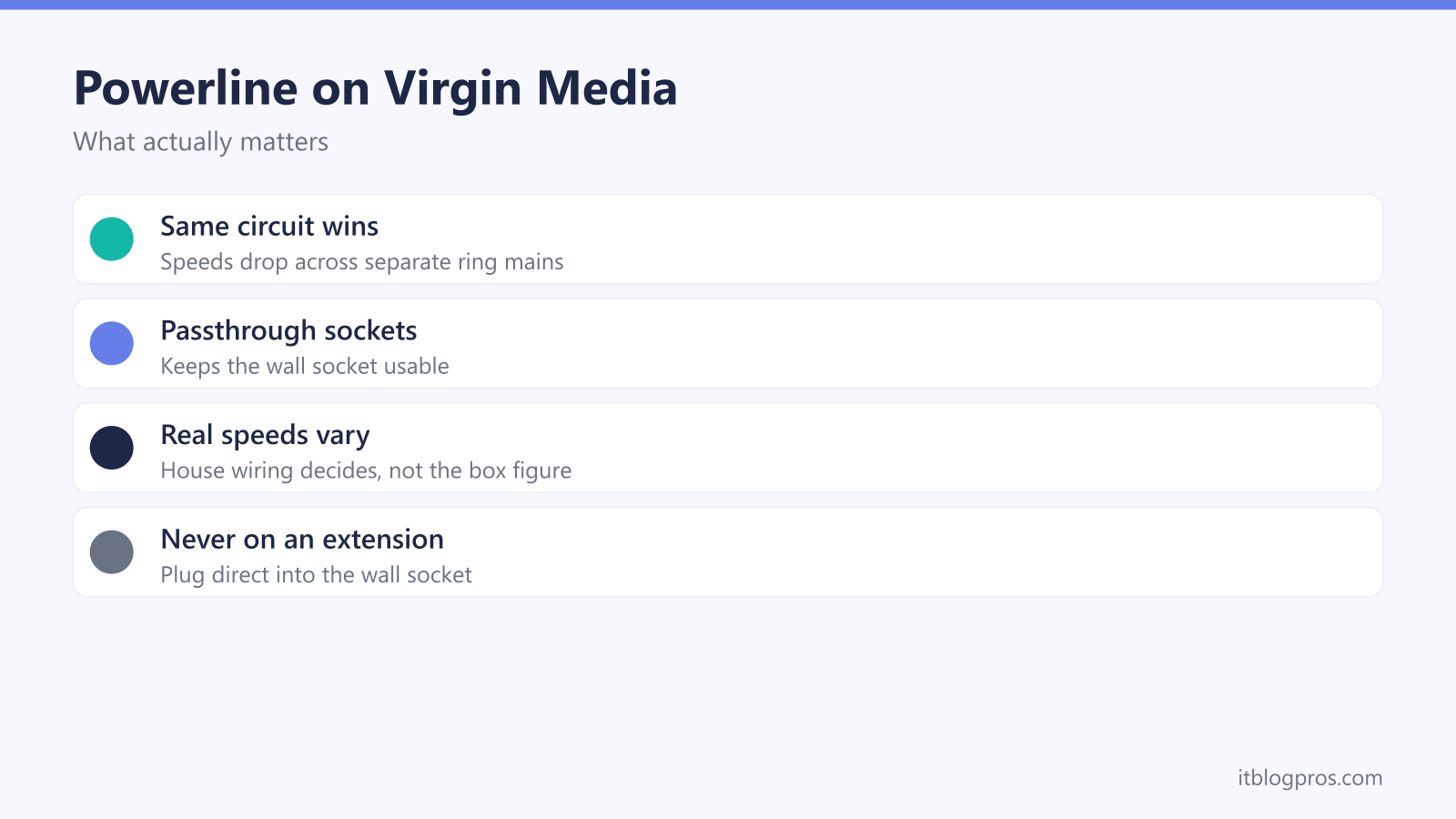
- Both adapters need to sit on the same circuit and plug directly into wall sockets, because extension leads and surge strips filter the signal out.
- AV1000 and AV2000 are theoretical combined figures, and real throughput on typical UK wiring lands at a fraction of them.
- Passthrough models hand the wall socket back, which matters when the kit is competing with a telly or a desk for the last free plug.
- Powerline with WiFi built in fixes a dead zone as well as a wired port, though behind a Virgin hub it will not roam like a proper mesh.
Powerline turns the mains wiring into a network cable
The idea is simpler than it sounds. A powerline kit is a pair of adapters that talk to each other over the live and neutral wires already running through the house, at frequencies far above the 50Hz the electricity itself uses. Plug the first adapter into a wall socket near the Virgin hub and run a short cable from it to a spare LAN port. Plug the second into a wall socket in the far room, and its ethernet port behaves like a very long extension of that LAN port.
Nothing changes on the Virgin side. The hub keeps handing out addresses and routing exactly as before, so there is no setting to hunt for in the Connect app and no reboot required. That holds on a Hub 3, Hub 4, Hub 5 or Hub 5x, and it holds when a Hub 3, 4 or 5 has been switched into modem mode with your own router behind it, because the powerline pair simply extends whichever box is doing the routing. Virgin's reset and modem mode help page says modem mode is not currently available for the Hub 5x.
Where powerline beats WiFi is on kit that never moves. A Virgin TV box, a games console, a desktop PC or a work laptop on a fixed desk all want a stable link more than they want convenience. WiFi has to punch through walls, floors and whatever the neighbours are broadcasting; powerline does not care about walls at all, only about the wiring between the two sockets. What it will never do is raise the speed of your package, since it moves the speed you already pay for into a room that could not reach it.
The wiring decides the real speed, not the number on the box
This is where most powerline round-ups quietly mislead people, so here it is plainly. AV1000 does not mean 1000Mbps of usable throughput. It is a theoretical combined figure for the raw signalling rate across the mains, shared between both directions and quoted before protocol overhead, under laboratory conditions no house replicates. AV2000 is the same arithmetic one step up. On decent modern wiring an AV1000-class kit commonly delivers somewhere between 100 and 300Mbps in real use, which is plenty for 4K streaming and gaming but nowhere near a Gig1 line.
Four things then decide where in that range a given house lands.
The circuit matters most. Both adapters want to be on the same ring main. Crossing between circuits sends the signal through the consumer unit and costs a large chunk of its strength, and crossing between two separate consumer units or two separate supplies usually fails outright. A converted flat, an annexe with its own meter or an outbuilding on a separate supply are the classic cases where a kit simply refuses to pair.
Extension leads and surge strips are the enemy. Surge protection works by shunting high-frequency energy to earth, and high-frequency energy is precisely what powerline uses to carry data. A surge-protected strip, a filtered adaptor or even a long extension lead can cripple a link or kill it. Both adapters go straight into a wall socket, no exceptions.
Distance and wiring age take their toll. TP-Link quotes a line length of up to 300 metres for its AV1000 kits, which is total cable length under ideal conditions rather than the distance between two rooms. Older properties with long runs, lots of spurs or a rewire that never happened fall well short of a modern install. Extensions are worth watching too, since they are often wired as a separate circuit.
Noisy appliances drag things down. Motors, phone chargers, dimmer switches and cheap LED drivers all inject electrical noise onto the same wiring the data is travelling over. If a link is unstable, unplugging a suspect appliance on the same circuit is a genuinely useful test.
None of this can be known in advance, so buy from a retailer with an easy returns policy and test properly on day one. Run a speed test on a laptop wired directly to the hub, then repeat it on the same laptop wired through the powerline link at the far end. The gap between those two numbers is what the wiring is costing, and it settles in five minutes whether the kit is worth keeping.
Passthrough sockets are worth the small premium
Powerline adapters come in two physical shapes. A plain adapter covers the wall socket completely, so that plug point is gone for good. A passthrough adapter carries a socket on its own face, so the kettle, the lamp or the TV plugs into the front of it and nothing is lost.
In a UK home this is rarely a luxury. Powerline puts an adapter in the busiest corner of a room, which is usually the corner where every socket is already spoken for, and the alternative is a trailing lead for whatever the adapter displaced. Given the surge-strip problem above, that is a temptation best avoided.
The passthrough socket on decent kits is filtered, so the appliance plugged into it does not throw noise back onto the link. That filtering is why passthrough models generally perform on a par with their plain siblings rather than worse, and the premium is usually small enough to make this the easy call.
Powerline with WiFi built in versus ethernet only
The second decision is what the far adapter actually gives you. An ethernet-only kit is the straightforward option: both units are small, each carries one or more gigabit ports, and you plug the device straight in. It solves a wired-device problem completely and does nothing at all for phone signal in that room.
A powerline WiFi kit puts a small access point inside the far unit, so it hands out both an ethernet port and a wireless network in the room it is plugged into. That is the right choice when the far room has a console to wire up and a dead patch for phones and tablets.
The interaction with the Virgin hub's own WiFi is worth understanding before buying. By default the powerline extender broadcasts its own network name, which means a second entry in the WiFi list and devices that cling to the weak hub signal instead of switching. TP-Link's kits soften this with a WiFi cloning feature that copies the hub's network name and password onto the extender, so both broadcast the same name and most devices move across without being told. That is not true mesh roaming, where a controller actively steers devices between nodes. TP-Link's OneMesh does that properly, but only alongside a compatible TP-Link router, and a Virgin Media hub is not one. Behind a Virgin hub you get the cloned-name behaviour; behind your own OneMesh router with the hub in modem mode, the mesh side applies as designed.
One more thing to remember: the WiFi from a powerline extender is only ever as good as the powerline link feeding it. A weak link over poor wiring produces a strong-looking signal that is slow, which confuses people more than an obviously weak signal does. Where the whole house needs better coverage rather than one room, the extender versus mesh comparison is the more useful read.
The default pick: the TL-PA7017P passthrough kit
For most people landing here, the TP-Link TL-PA7017P kit is the sensible answer and the search can stop there. It is a HomePlug AV2 gigabit passthrough pair with a headline AV1000 rating, one gigabit ethernet port on each unit, an integrated power socket on the front so the wall socket survives, and plug-and-play pairing that needs no software. That covers the job properly: a TV box, a console, a desktop or a work laptop in a room the hub cannot reach on WiFi.
The gigabit port matters even though the mains link will never saturate it, because the cheaper alternative is a 100Mbps port that caps the connection below what good wiring could carry. Treat the AV1000 label as a model number rather than a promise and the kit is hard to fault.

The pick when the far room needs WiFi as well: the TL-WPA7617 kit
When the far room has both a device to wire up and no usable phone signal, the TP-Link TL-WPA7617 kit does both jobs from one plug. It pairs an AV1000 gigabit powerline link with an AC1200 dual-band access point in the far unit, which TP-Link rates at 867Mbps on 5GHz and 300Mbps on 2.4GHz, plus gigabit ethernet for the console or telly. It also carries the WiFi cloning feature described above, so the extended network can share the Virgin hub's name and password rather than appearing as a separate one, and it supports OneMesh for anyone running a compatible TP-Link router with the hub in modem mode.
The trade-off is honest enough. This kit costs more than the ethernet-only pair and the WiFi it produces is a competent access point rather than a mesh node, so it will not match a proper mesh system for whole-house roaming. For a garden room, a loft conversion or a back bedroom that needs one solid wired port and a workable signal, it is a tidy single-box answer.

When powerline is the wrong answer
Powerline earns its place as a compromise, and there are three situations where the compromise is not worth making.
A cable run is genuinely possible. If a flat ethernet cable can follow the skirting, slip under a door or pass through one small drilled hole, run the cable. It costs less than a powerline kit, delivers the full port speed rather than a fraction of it, and never has an off day because someone plugged a charger in upstairs. Cat 6 covers every package Virgin sells, and the Virgin Media ethernet cable guide covers the choices. For all the alternatives in one place, including MoCA over the coax already in the walls, the wired internet in another room guide lays them out side by side.
The real problem is whole-house coverage. Powerline fixes one room at a time. When the WiFi fades in several rooms, on the stairs and in the garden, adding one adapter after another is a worse and more expensive answer than a mesh system that covers the lot; the mesh options for the Hub 5 are the place to start on a Virgin line.
The wiring says no. An outbuilding on a separate supply, a flat with its own consumer unit or a period property with tired wiring may never give a usable link, and no adapter model changes that. The honest routes there are an external-grade cable run or a point-to-point wireless link, not a second attempt at powerline.
The rule of thumb holds up well: cable if you can, powerline when you cannot and the target device sits still, mesh when the problem is coverage rather than one stubborn room. Buy from somewhere with easy returns, test on the first day, and send it back if the numbers do not justify it.