The question usually comes up at moving time: the new place has a phone socket in the hallway, or no socket anywhere, and it is not obvious what that means for getting online. The honest answer is that WiFi never comes out of a wall socket of any kind; it comes out of a router. What the wall needs to supply depends entirely on which type of broadband feeds that router, and in the UK there are only a few cases to check.
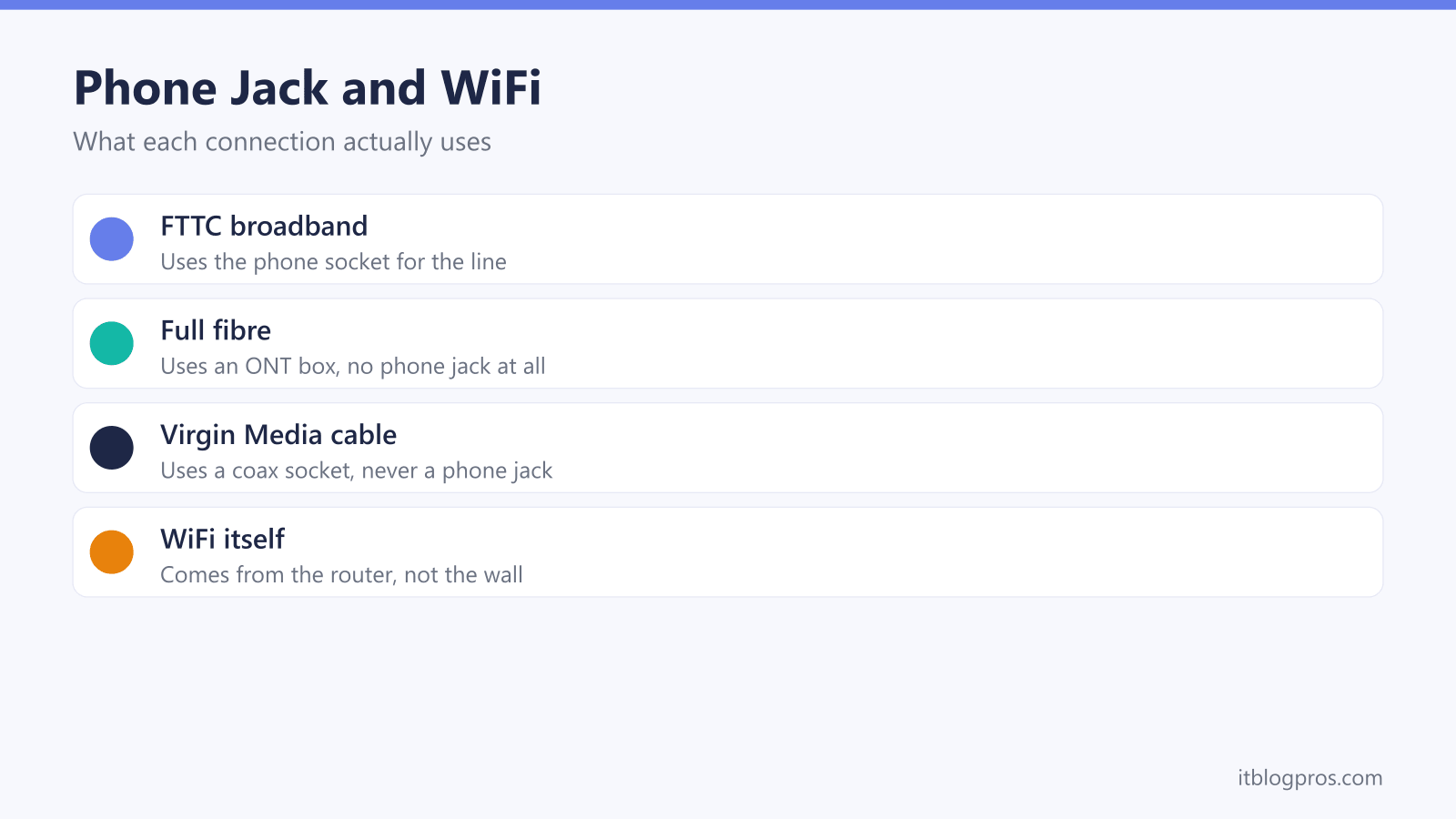
WiFi itself never needs a phone jack, because WiFi is broadcast by your router. Whether the wall socket matters depends on how the broadband reaches that router: FTTC connections still plug into the phone socket, full fibre uses an Openreach ONT instead, and Virgin Media uses a coax socket. On a modern full fibre or cable install, the phone jack does nothing at all.
Key Takeaways
- WiFi is created by the router in your home, so no wall socket of any kind produces WiFi on its own.
- FTTC part-fibre broadband is the only mainstream UK connection that still uses the phone socket, through the router's DSL port.
- Full fibre (FTTP) ignores the phone socket entirely; the broadband arrives at an Openreach ONT fixed to the wall.
- Virgin Media arrives through a coax wall socket on its own cable network, and a phone jack is never involved.
- Landline calls now ride the router on modern installs, so a working phone jack is no longer a prerequisite for phone or broadband service.
WiFi comes from the router, not the wall
Two different things get bundled into this question, and separating them answers most of it immediately. WiFi is the wireless network inside your home, and it is created by one device: the router. Every phone, laptop and TV talks to the router over radio, and the router would happily broadcast a WiFi network in the middle of a field with nothing but a power socket.
What the router cannot conjure up on its own is the internet behind that network. Broadband has to arrive at the router through something physical, and that is what the phone jack question is really about. Depending on the connection type, the broadband arrives through the copper phone wiring, through a dedicated fibre, through Virgin Media's coax cable, or over the air from a mobile mast. Only the first of those involves a phone socket at all.
So the phone jack is never a WiFi requirement. At most it is a broadband delivery point, and on modern connections it is not even that.
FTTC broadband still arrives through the phone socket
FTTC stands for fibre to the cabinet, and it is the part-fibre service most UK ISPs sold through the 2010s and still sell where full fibre has not arrived. The fibre runs from the exchange to the green cabinet in the street, and the final stretch into your home travels over the existing copper phone wiring using a technology called VDSL2.
That copper terminates at the master phone socket, which is why an FTTC router has a dedicated DSL port on the back, grey on a BT hub. A thin cable with a narrow RJ11 plug runs from the master socket, through a microfilter or a pre-filtered faceplate, into that DSL port, and the modem built into the router does the rest. On this one connection type the phone socket genuinely is where the broadband comes in, and a healthy socket matters.
One modern wrinkle is worth knowing. New copper-based orders are now sold as broadband-only lines, under the industry name SOGEA, so the socket carries data but no dial tone. The wiring still matters on FTTC; the phone service that used to share it has already gone.
Full fibre skips the phone socket completely
Full fibre, or FTTP, runs the fibre all the way into the home, and the phone socket plays no part in it whatsoever. An engineer fits a small white box called an ONT, an Optical Network Terminal, to the wall; the fibre feeds one side, and an ordinary Ethernet cable runs from the ONT's port to the WAN port on your router. The router builds the WiFi from there exactly as it would on any other connection, and the jobs each box does are laid out in our ONT vs router vs modem guide.
Nothing in that chain touches the copper. The master socket can be dead, painted over or missing entirely and a full fibre install goes ahead regardless, which is exactly why FTTP can be offered in homes that never had a phone line. It is also the friendliest setup for running your own kit, since any router with an Ethernet WAN port can plug straight into the Openreach ONT.
Virgin Media uses a coax socket, never a phone jack
Virgin Media runs its own network, separate from the Openreach lines everyone else shares, and it reaches your home over coaxial cable rather than telephone wiring. The wall fitting is a small faceplate with a threaded screw-on connector, closer in looks to a TV aerial point than to a phone socket, and the Virgin Hub connects to it with a coax lead.
A phone jack is never involved at any stage of a Virgin install, and Virgin's landline service, where taken, plugs into the Hub rather than the wall. If the property has one of those coax faceplates, or you are wondering whether one needs to be fitted, our Virgin Media wall socket guide walks through what the install actually involves.
The landline itself has moved onto the router
Part of the reason this question lingers is history. For two decades broadband was sold on top of line rental, so a working phone line felt like the foundation everything else stood on. That model is being dismantled. Openreach stopped selling new analogue phone lines in September 2023, and the old analogue phone network is scheduled to be switched off entirely, currently by the end of January 2027.
On fibre connections the relationship has flipped: instead of broadband riding the phone line, the phone now rides the broadband. The handset plugs into a phone port on the router, the calls travel over the internet, and the service goes by names like Digital Voice at BT and EE, with other providers using their own branding. When that setup misbehaves, the fixes live in our digital voice troubleshooting guide.
The practical upshot is simple: on a modern install, a working phone jack is no longer a prerequisite for anything, phone calls included.
Homes with no phone socket still have plenty of options
New builds increasingly skip copper altogether. Openreach fits many new developments with full fibre only, so there is no master socket to find because the property never had one; the broadband arrives at an ONT and the developer never ran telephone wiring. Virgin-cabled properties likewise need nothing beyond the coax faceplate.
The awkward case is a property where FTTC is the only fixed-line option and the phone socket is missing, damaged or long disconnected. Copper broadband cannot work without that copper, so the ISP has to arrange Openreach engineer work to install or reactivate the line. To be honest about it, that can mean an engineer appointment, a wait of days to a few weeks, and sometimes an installation charge depending on the ISP and the state of the wiring. Telling the ISP about the socket situation up front is worth doing, so the visit gets booked from the start rather than discovered mid-activation.
4G and 5G broadband need no wiring at all
For a genuinely zero-sockets option, mobile broadband fills the gap. EE, Three, Vodafone and others sell home broadband routers with a SIM inside: plug the router into the mains and it pulls its internet from the nearest mast, then broadcasts WiFi like any other router. No phone socket, no ONT, no coax, no engineer visit.
The honest trade-off is that performance depends entirely on the mobile signal at your address. In a strong 5G area it can comfortably outrun FTTC; in a weak one it can struggle, and speeds can dip at busy times because the mast is shared with everyone nearby. Check each provider's coverage map against the actual postcode before committing, and favour providers that let you return the router within an initial window if the signal disappoints.
Check what the property actually has before you order
All of this turns moving house, or ordering broadband anywhere new, into a short inspection job. Walk the property and look for three things: a small white ONT box, often near the front door or in a corner of the living room; a threaded coax faceplate from Virgin Media; and the classic master phone socket. Whatever is already fitted is the connection type that will activate fastest, because no new wiring is needed.
Then check availability rather than assuming. Every major ISP's website runs a postcode and address check that reports whether full fibre, part-fibre or cable can be delivered to that exact property, and the Openreach website has its own fibre checker. Asking the seller, landlord or previous occupant what they used is also worth thirty seconds, since their answer usually settles it.
The one thing not worth doing is holding onto a phone line for broadband's sake. WiFi comes from the router, the broadband type decides what feeds the router, and on every modern option the phone jack has already left the story.